
Mobile replay has to understand the app behind the pixels
Mobile bugs often hide in app-specific context: screen transitions, gestures, OS versions, foreground and background changes, flaky networks, slow frames, crashes, and ANRs. A recording without those details is hard to act on.
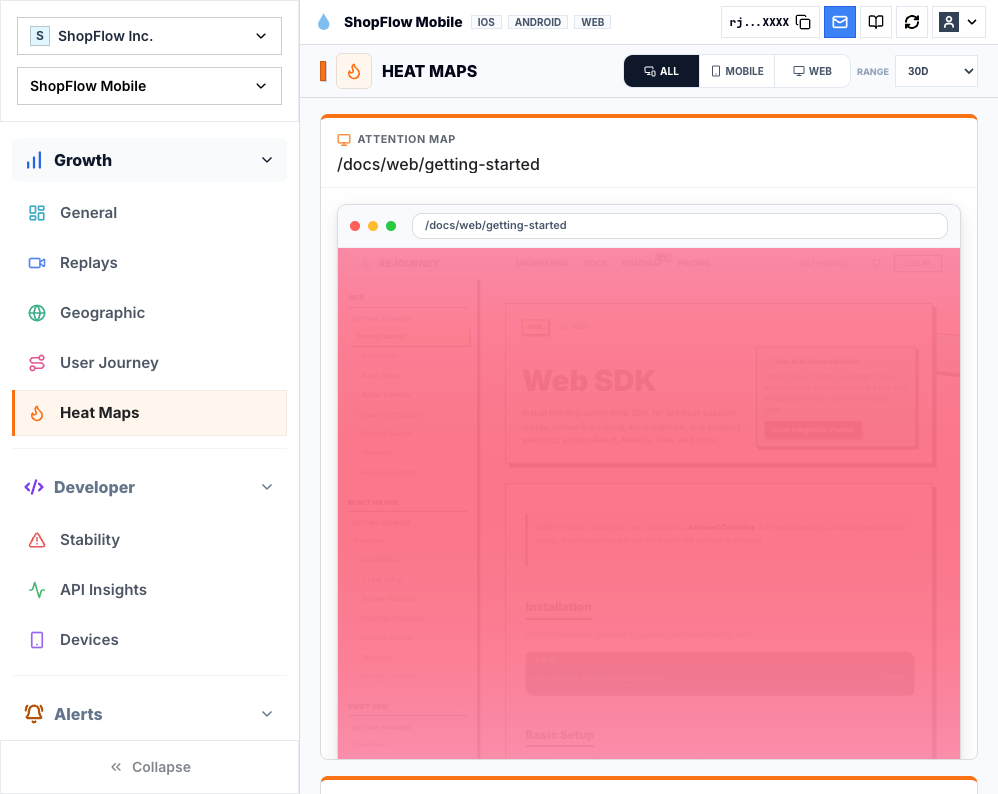
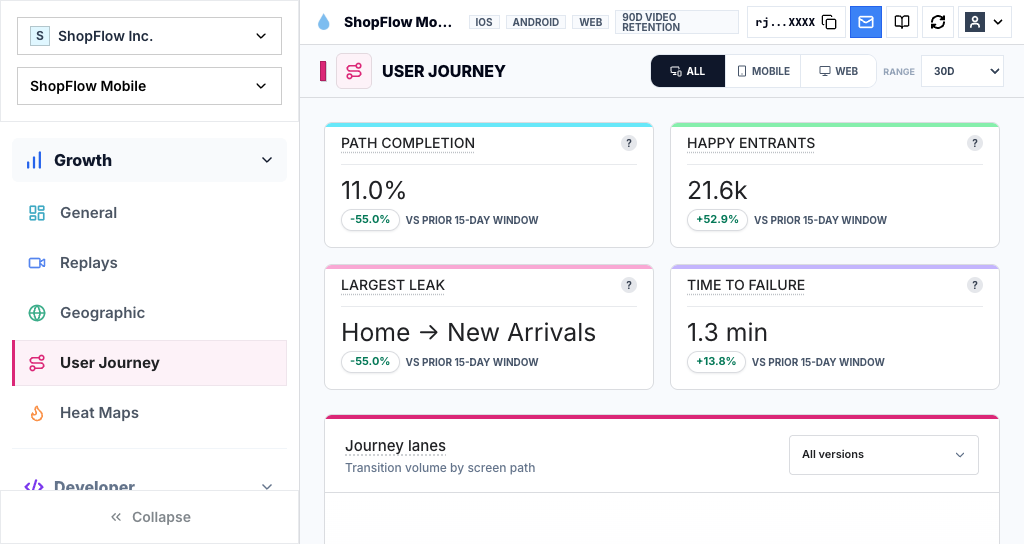
Rejourney connects replay with touch heatmaps, journeys, crash reports, ANR signals, device metadata, and API performance so teams can see the session and the conditions around it.
That makes the replay useful before anyone asks the user to reproduce the problem. Product can see the hesitation, support can verify the path, and engineering can start with a screen, release, device, and likely cause.
Record app semantics, not a tiny browser
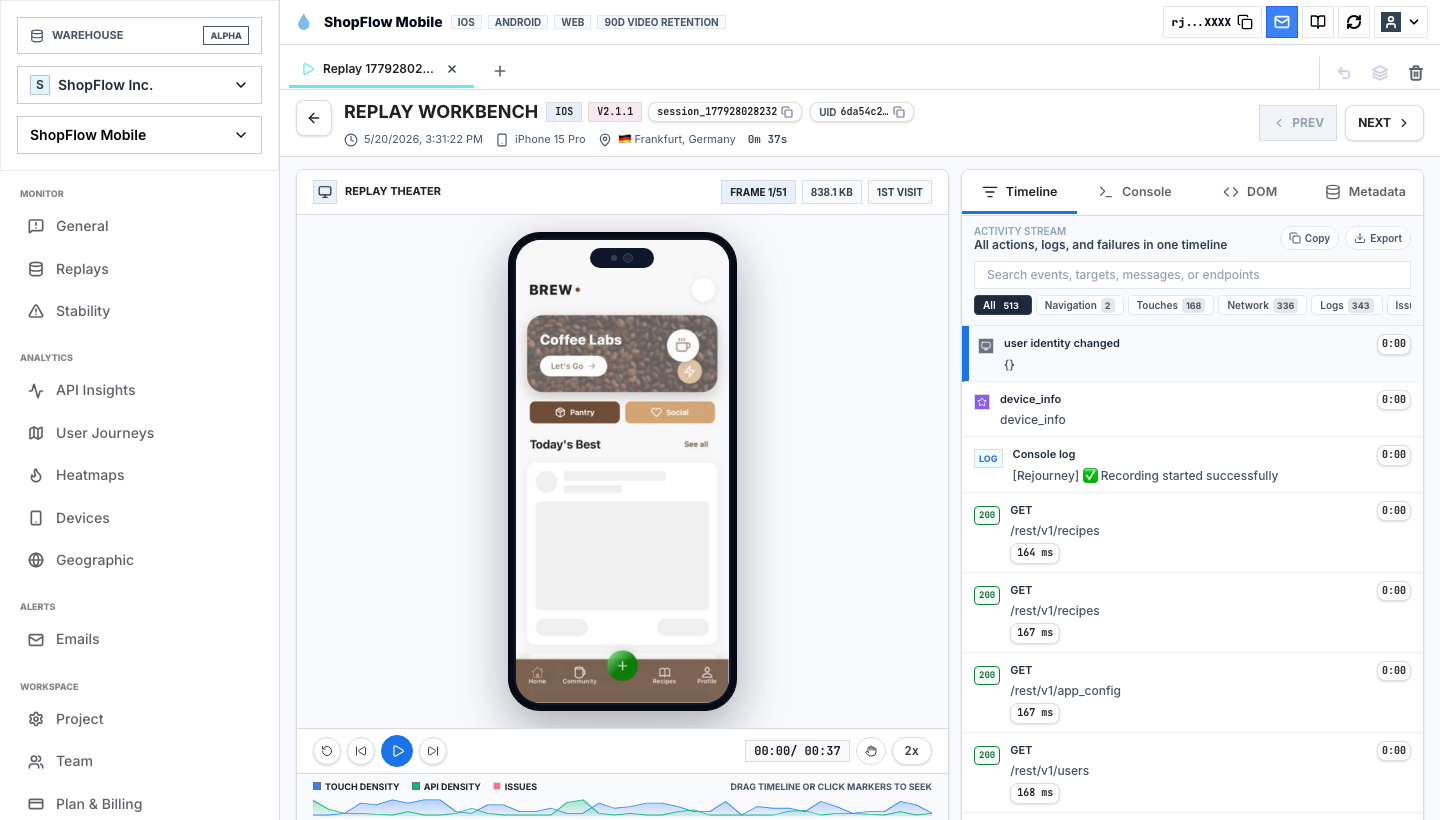
Mobile sessions are not smaller browser sessions. Engineers need taps, gestures, screen transitions, device model, OS version, app version, orientation, network state, and foreground or background changes to understand what happened.
Name screens and important states deliberately. A replay that says the user visited `CheckoutPaymentScreen` and tapped `SubmitPayment` is much easier to debug than a recording with unlabeled frames.
- Screen names and navigation transitions.
- App version, build number, OS, and device model.
- Touch events and gesture-heavy UI states.
- Network calls and slow or failed endpoints.
Use replay to explain freezes and crashes
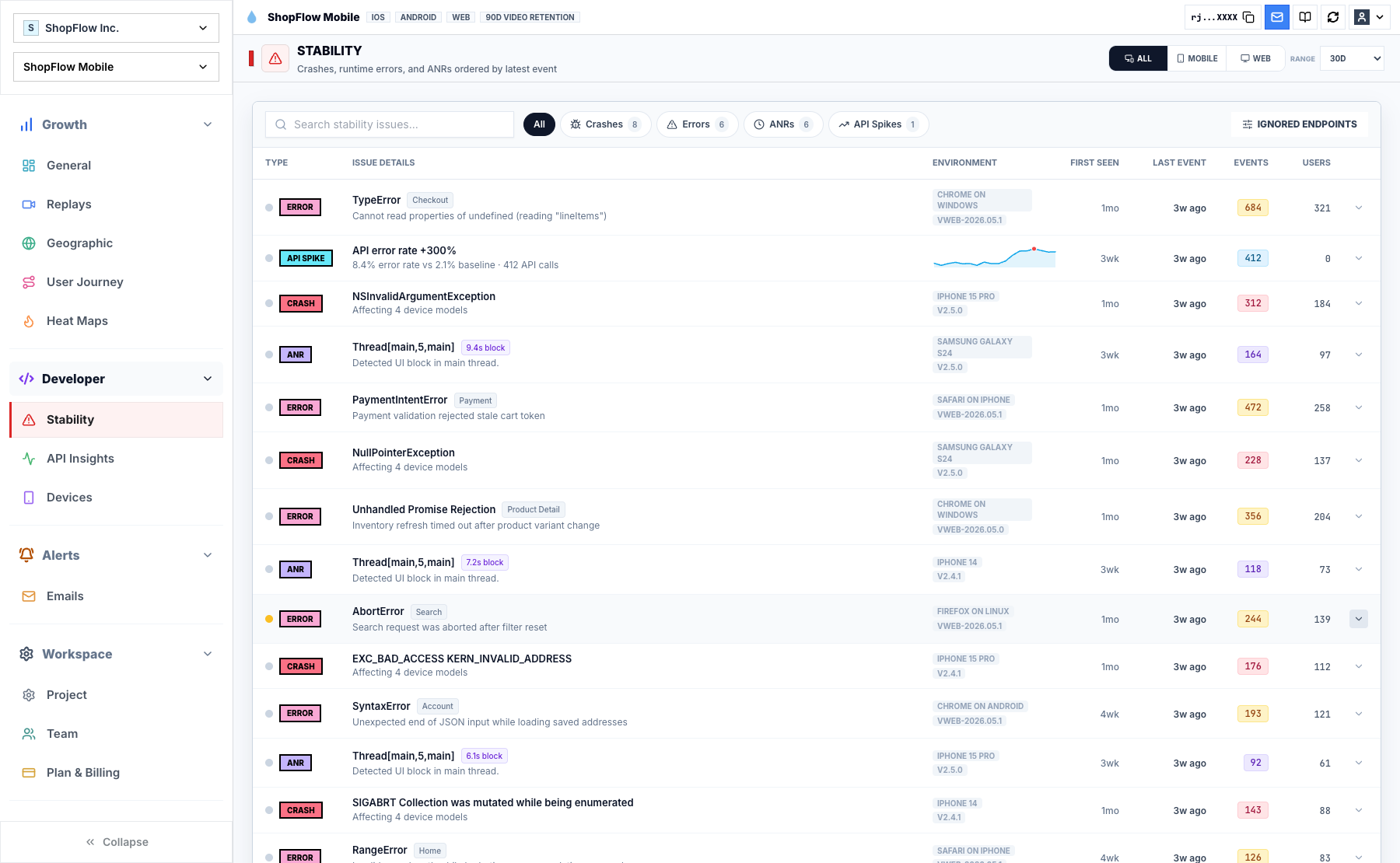
A stack trace can tell you where code failed. Replay shows what the user was doing before the app froze or crashed, which is often the missing piece for gesture races, bad loading states, flaky connectivity, and state that appears only after several screens.
For ANRs, look at the last meaningful user action, the active screen, slow network calls, and expensive UI work nearby. The useful question is where the thread blocked and why the user reached that state.
Validate on messy devices
Start on flows where the value is obvious and the privacy boundary is easy to reason about: onboarding, search, subscription, checkout, or a support-heavy feature.
Validate performance on older devices, slow networks, and noisy gesture paths. Replay should help diagnose production behavior without becoming another production behavior the team has to diagnose.
Make gestures searchable
Mobile friction often looks like gesture confusion: a swipe that should advance but scrolls, a dead tap on a card, a repeated tap while loading, or a back gesture that resets state. Those moments need names and events alongside pixels.
Tag the interactions that define the flow. Then support can search for the gesture shape, product can compare it across screens, and engineering can inspect the replay with device and release context attached.
- Repeated tap or rage tap on the same control.
- Dead tap on a non-interactive surface.
- Gesture conflict between scroll, swipe, and navigation.
- Foreground, background, resume, or offline transition before failure.
Implementation notes
These are the checks another engineer should be able to use before trusting the feature in production.
- Verify screen names, app version, OS version, device model, and region appear beside the replay.
- Mask sensitive text, images, and screens before enabling broad mobile capture.
- Test sessions on a low-end device or simulator profile and on a fast developer phone.
- Confirm crash and ANR views link back to the preceding replay context.
- Tag gesture-heavy states so repeated taps, dead taps, and navigation loops are searchable.
When to use a lighter signal
- Your product is browser-only and every important flow happens on the web.
- You do not need React Native, Expo, or native iOS replay.
- You already capture mobile crashes, API failures, and user paths in another workflow.
Questions teams usually ask
Does Rejourney work with React Native?
Yes. Rejourney has React Native and Expo documentation, plus native iOS support for teams building mobile apps.
Can mobile replay help with crashes?
Yes. The replay before a crash or ANR can show the active screen, last gesture, loading state, network behavior, and path that made the stack trace easier to understand.
Does Rejourney include heatmaps for mobile screens?
Yes. Rejourney includes touch heatmaps and journey views so teams can understand where users tap, hesitate, and drop.
Related reading
- Pricing: See Rejourney's fixed-price plans and included platform limits.
- Live demo: Open the demo dashboard and inspect the replay, heatmap, journey, and stability views.
- React Native SDK: Install mobile session replay for React Native and Expo apps.
- Web SDK: Add browser session replay, analytics, and network capture to a web app.