
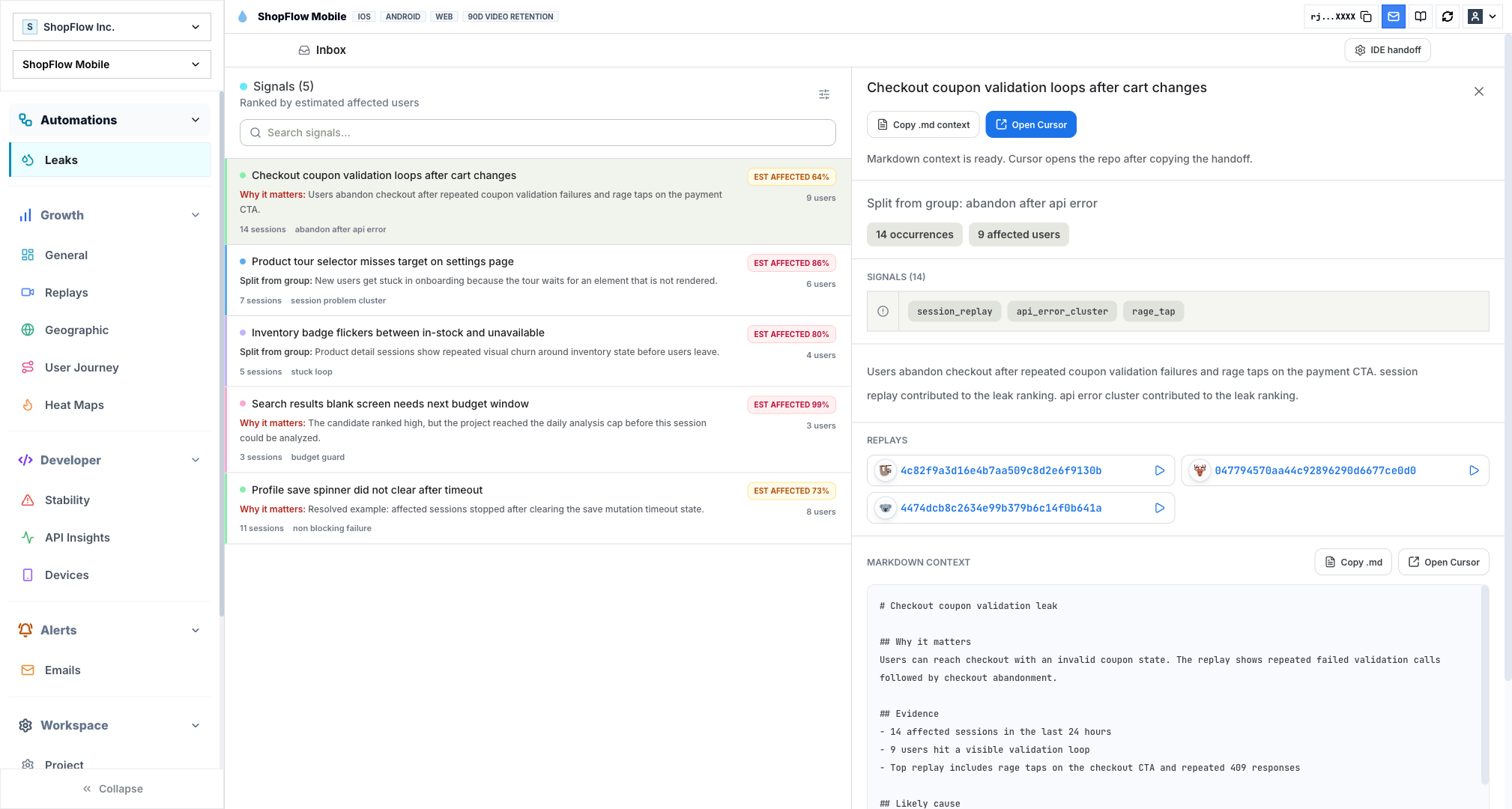
Website friction hides in state between clicks
A chart can tell you where people dropped. Web replay can show whether they saw a disabled button, a buried validation message, a blank state, a stalled request, or copy that sent them the wrong way.
Rejourney records browser sessions and ties them to route changes, event timelines, journeys, heatmaps, console context, requests, and product analytics, so the behavior is not stranded in a separate tool.
That matters most in flows that pass QA but misbehave in production: checkout, sign-up, search, dashboards, pricing pages, docs, and support-heavy account screens.
Capture the state around the click
Web replay should explain more than pointer movement. In modern apps, route changes, async requests, console errors, feature flags, auth state, and loading states often explain the behavior better than the visual recording alone.
Install the SDK at the app shell, then verify it sees client-side navigation instead of only the first page load. Single-page apps need route and event context or the archive becomes painful to search.
- Client-side route changes.
- Meaningful product events.
- Failed and slow network requests.
- Console errors, feature flags, and release version.
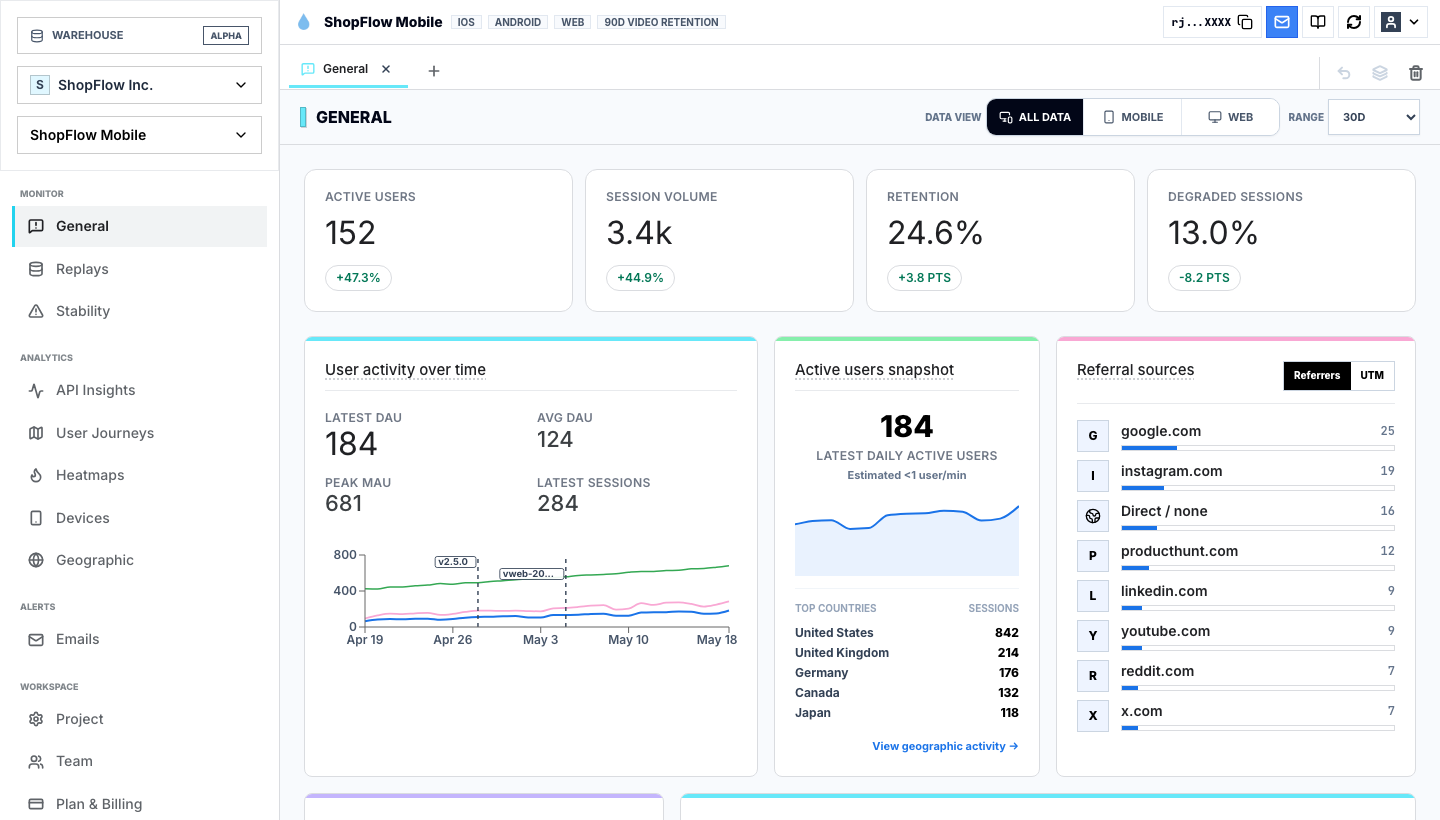
Compare failed sessions with successful ones
A funnel can tell you users dropped between two steps. Replay can show whether they saw an empty state, clicked a disabled button, missed a validation message, retried a failed request, or got stuck behind a modal.
Compare failed sessions with successful sessions from the same route, release, and segment. The useful question is what failed and what was different in the UI state before the failure.
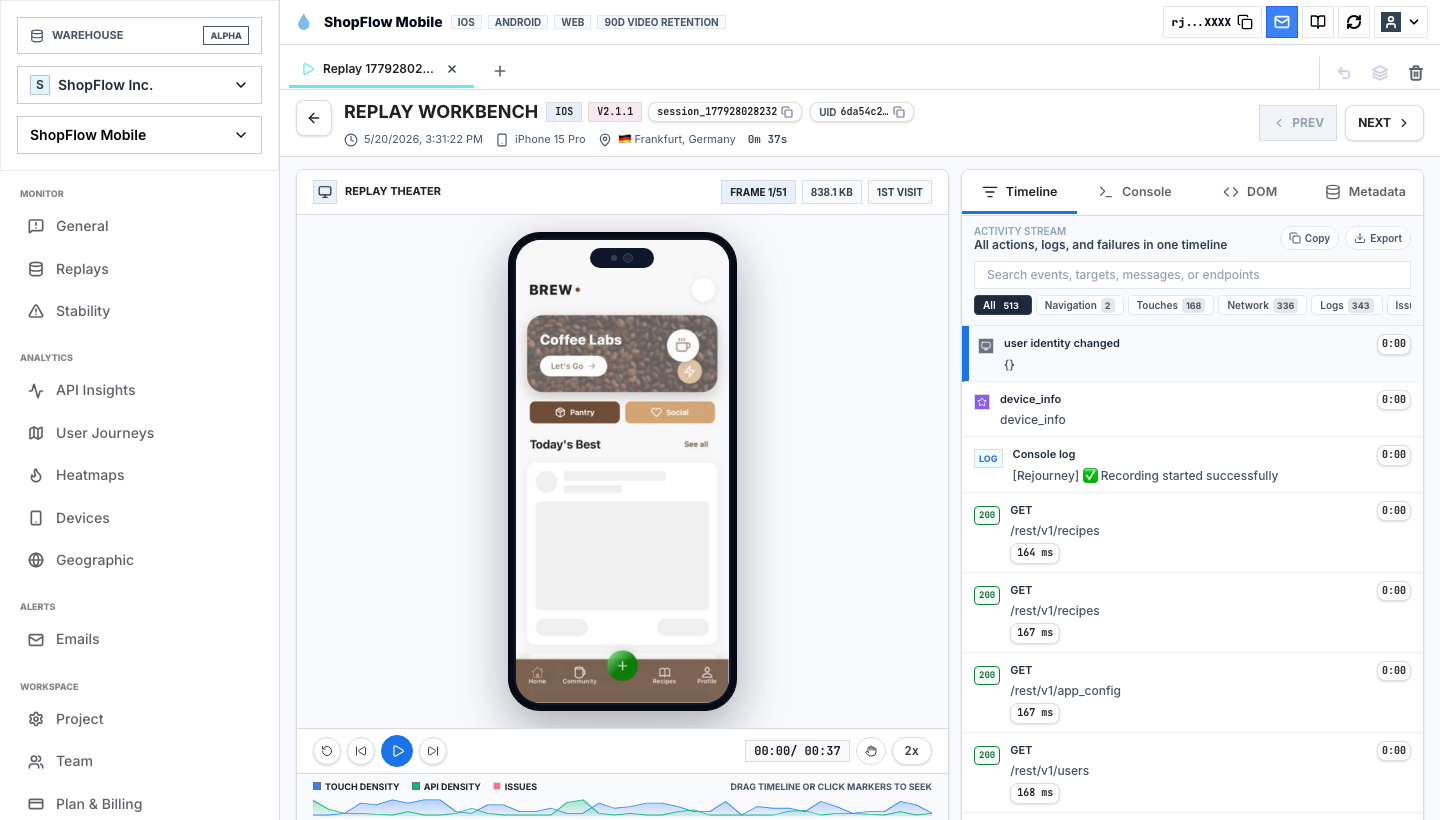
Attach network and console context with restraint
Network and console context can make web replay dramatically faster to debug, but capture should stay purposeful. Record the request path, status, timing, and sanitized metadata that identify ownership. Avoid leaking tokens, bodies, or user-entered content.
The goal is a replay where an engineer can see the failed request, route, release, and user action in one place without turning the browser SDK into an unfiltered log drain.
Treat privacy as part of the DOM work
Browser replay can get close to sensitive UI. Mask form fields, account data, customer content, tokens, uploaded files, and internal admin surfaces before the SDK becomes broadly available.
Ship with conservative defaults, then explicitly allow the UI that helps investigation. Privacy should not depend on a reviewer remembering which session is safe to open.
Implementation notes
These are the checks another engineer should be able to use before trusting the feature in production.
- Confirm route changes are recorded correctly in your framework.
- Capture failed requests and console errors with enough metadata to find the backend or release owner.
- Mask forms and private content before sharing replay links across the team.
- Review one successful and one failed session from each critical browser flow after release.
- Compare failed and successful sessions from the same route before rewriting the UI.
When to use a lighter signal
- Your questions stop at acquisition, attribution, and top-level conversion.
- You do not need to inspect individual UI states or request failures.
- Your existing replay, error, heatmap, and analytics tools already share context cleanly.
Questions teams usually ask
What is web session replay?
Web session replay records browser interactions and reconstructs the experience so teams can inspect what a visitor saw, clicked, typed, and experienced.
Does Rejourney support single-page apps?
Yes. Rejourney's web SDK is designed for modern browser apps and connects replay with route changes, events, heatmaps, and network context.
Can web replay help product teams?
Yes. Product teams can review onboarding, activation, checkout, search, and dashboard sessions to understand what users actually experienced.
Related reading
- Pricing: See Rejourney's fixed-price plans and included platform limits.
- Live demo: Open the demo dashboard and inspect the replay, heatmap, journey, and stability views.
- React Native SDK: Install mobile session replay for React Native and Expo apps.
- Web SDK: Add browser session replay, analytics, and network capture to a web app.