
The short version
Choose Rejourney when product and support teams need a focused replay workspace instead of adopting Datadog's full observability suite.
- Product-first UX
- Replay + API context
- Mobile + web
Why consider Rejourney over Datadog Session Replay?
Datadog places Session Replay inside Real User Monitoring and the wider Datadog observability catalog. That is useful when replay belongs beside logs, traces, APM, and platform monitoring.
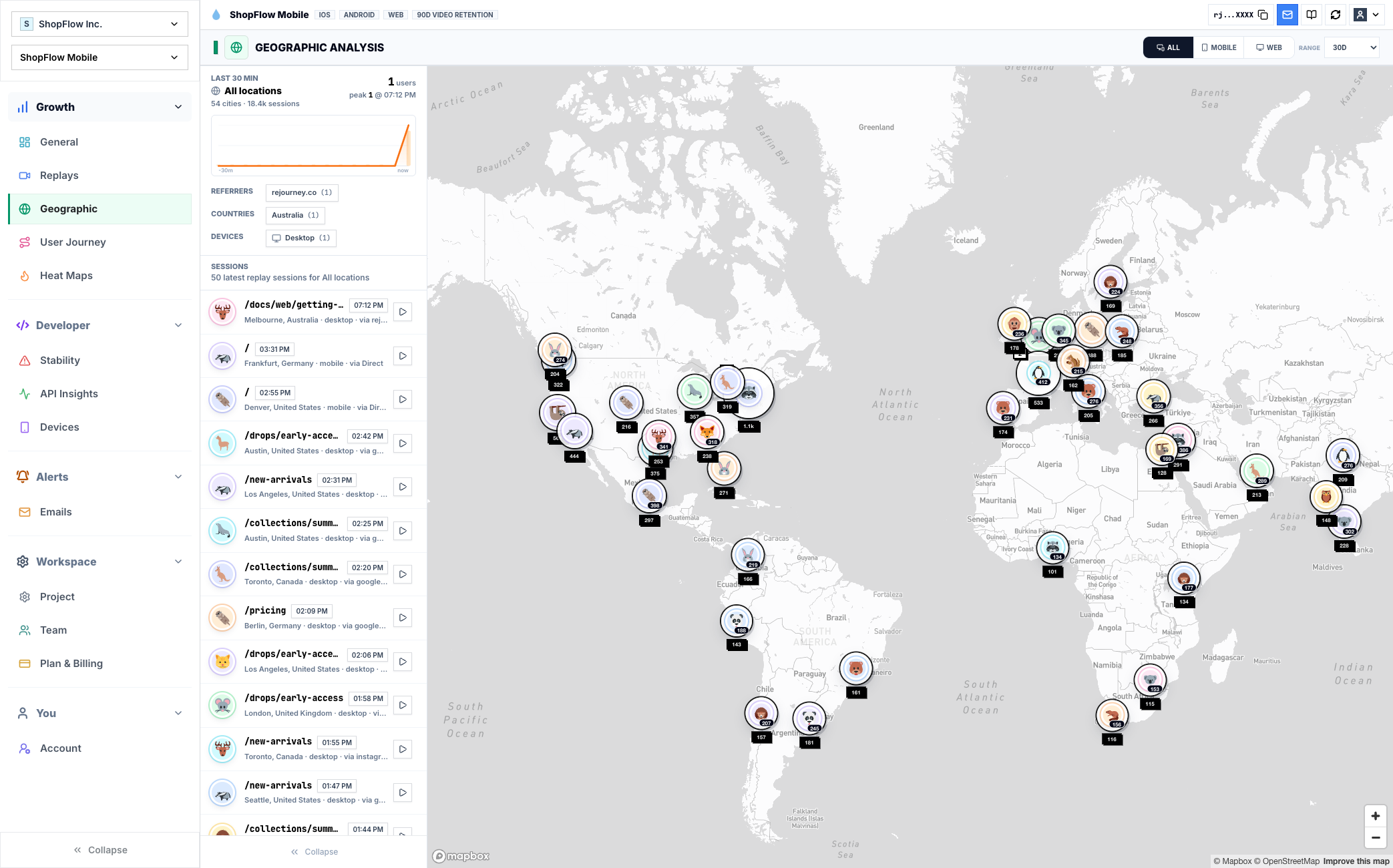
Rejourney starts from the user session, then brings in journeys, heatmaps, crashes, ANRs, API context, and product analytics. Product and engineering can use the same evidence without a large observability rollout.
For teams that mainly need user-session evidence, Rejourney keeps the workflow replay-backed and keeps events, analytics retention, team members, and projects simple to plan.
Decision checklist
Treat this as a buying conversation, not a winner-take-all scorecard. The right tool depends on the job your team needs the comparison page to do.
Choose Rejourney when
- You want a product and support workspace, not a full observability-suite rollout.
- The team starts from user sessions, journeys, heatmaps, crashes, ANRs, and API context.
- Replay decisions should be understandable to PMs, support, and platform teams.
- You care about source visibility or a self-hosting path for behavioral product data.
Choose Datadog Session Replay if...
- You need infrastructure, logs, traces, APM, and enterprise observability in one vendor.
- Your SRE and platform teams already run Datadog as the central monitoring layer.
- You need replay mainly as one component of a full infrastructure observability stack.
Checklist comparison: Rejourney and Datadog Session Replay
Use this table as a starting point, then verify Datadog Session Replay's current packaging and limits against the official source before buying.
Where the tools differ
Platform scope
Rejourney: Focused on replay-backed UX investigation for product, support, and engineering teams.
Datadog Session Replay: Datadog places Session Replay inside Real User Monitoring and its broader observability catalog, including infrastructure and application monitoring products.
Investigation entry point
Rejourney: Starts with the user's session, then brings in events, heatmaps, journeys, crashes, ANRs, and API context.
Datadog Session Replay: Best to evaluate when replay should sit beside RUM, logs, traces, APM, and existing platform observability workflows.
Buyer fit
Rejourney: Useful when product and support need a focused workspace without adopting a large observability suite.
Datadog Session Replay: A stronger fit when platform/SRE teams already use Datadog as the central monitoring layer.
Pricing comparison
Datadog publishes RUM and Session Replay session-based pricing. Rejourney is aimed at teams that want replay and product analytics with simpler access and fewer dimensions to plan.
Official facts to verify
- Datadog lists RUM Measure starting at $0.15 per 1,000 sessions per month on full traffic when billed annually, and RUM Investigate starting at $3 per 1,000 filtered sessions per month.
- Datadog lists Session Replay starting at $2.50 per 1,000 sessions per month when billed annually, or $3.60 on-demand.
- Datadog's pricing FAQ says RUM sessions and session replays have a 30-day retention policy, while out-of-the-box metrics generated on RUM Measure sessions are retained for 15 months.
Rejourney model
- Unlimited events so product analytics does not get punished for instrumenting more detail.
- Unlimited analytics data retention for long-horizon product, support, and release analysis.
- Unlimited team members and projects so PM, design, engineering, and support can use the same workspace.
- Replay, heatmaps, journeys, crash context, API context, and product analytics in one dashboard.
Questions teams usually ask
Is Rejourney a Datadog replacement?
Rejourney is not a full infrastructure observability replacement. It is a focused replay and product analytics alternative for user experience investigation.
Does Rejourney include API context?
Yes. Rejourney can show API and network context beside the replay so teams can connect user friction to backend behavior.
Who should choose Rejourney?
Choose Rejourney if product, support, and engineering need replay-backed user behavior insights without managing a broad observability suite.
Related reading
- Pricing: See Rejourney's fixed-price plans and included platform limits.
- Live demo: Open the demo dashboard and inspect the replay, heatmap, journey, and stability views.
- Web session replay: See how Rejourney records browser behavior with product and network context.
- Record user sessions: See how to record user sessions with replay, privacy controls, and product context.