
The short version
Choose Rejourney when replay, stability, API context, and mobile evidence need to sit beside analytics without an enterprise analytics rollout.
- Replay-first analytics
- Mobile UX evidence
- Crash + API context
Why consider Rejourney over Amplitude Session Replay?
Amplitude presents a broad digital analytics platform with product analytics, session replay, heatmaps, experimentation, activation, AI feedback, and related products. That is a natural fit for mature analytics programs.
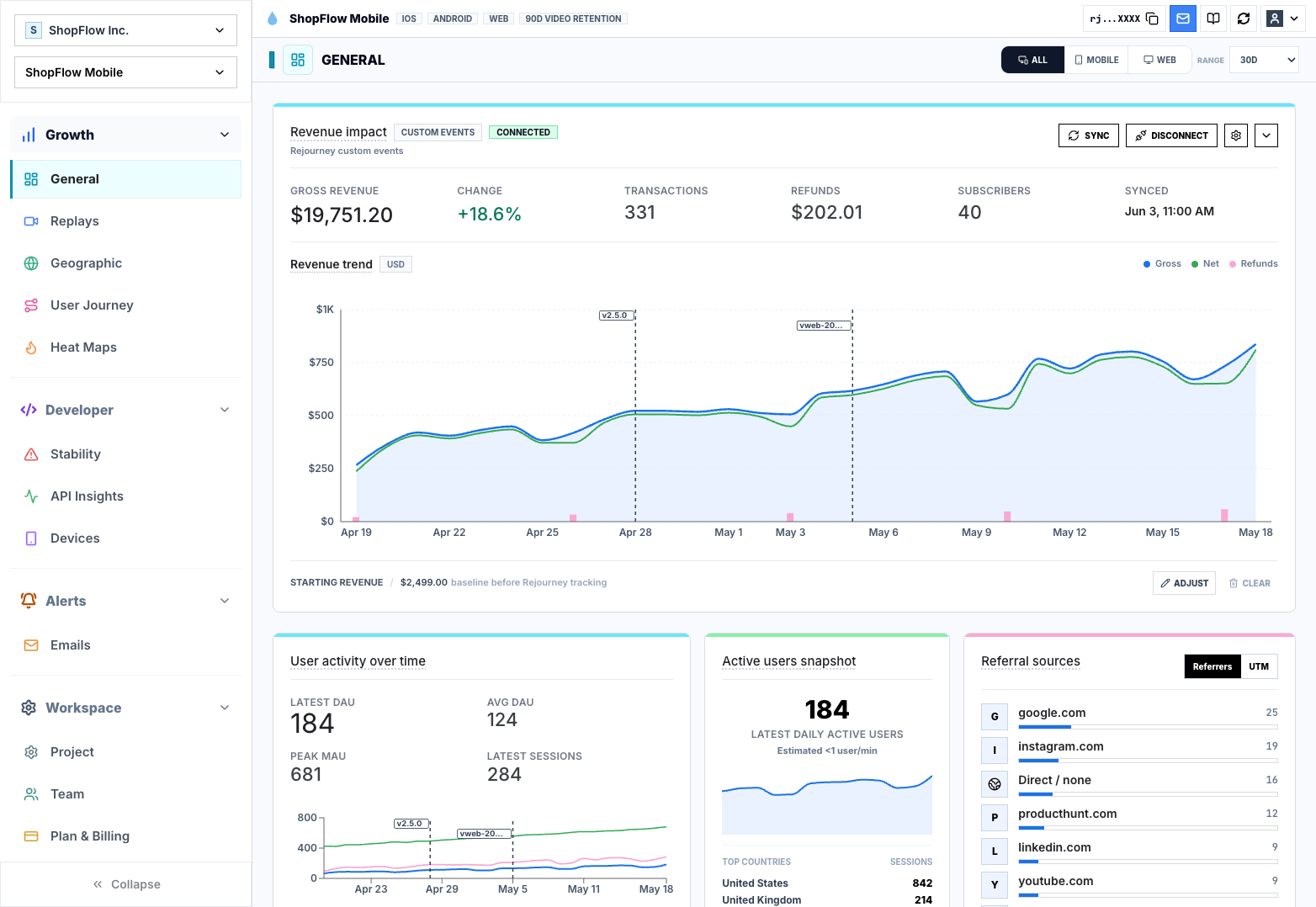
Rejourney starts from the session and surrounds it with journeys, heatmaps, crashes, network context, retention signals, and product analytics. The point is to move from a chart anomaly to the moment that caused it.
Unlimited events, analytics retention, projects, and team members make Rejourney easier to open across the team without turning every new event or collaborator into a planning question.
Decision checklist
Treat this as a buying conversation, not a winner-take-all scorecard. The right tool depends on the job your team needs the comparison page to do.
Choose Rejourney when
- The team needs the exact session behind a chart anomaly.
- Replay, journeys, heatmaps, crashes, API context, and mobile evidence should live together.
- You want broad team access without turning every collaborator or new event into a planning exercise.
- You have product questions that are too visual or technical for event analytics alone.
Choose Amplitude Session Replay if...
- You need a mature enterprise product analytics suite with complex cohort analysis workflows.
- Your analytics team already has Amplitude dashboards and governance in place.
- Session replay is secondary to your event analytics warehouse strategy.
Checklist comparison: Rejourney and Amplitude Session Replay
Use this table as a starting point, then verify Amplitude Session Replay's current packaging and limits against the official source before buying.
Where the tools differ
Analytics style
Rejourney: Starts from the session and keeps replay beside journeys, heatmaps, stability context, network context, and product analytics.
Amplitude Session Replay: Amplitude publicly presents a broad digital analytics platform with product analytics, session replay, heatmaps, experimentation, activation, AI feedback, and related products.
Question answered
Rejourney: Built to move from a chart anomaly or support issue to the exact user moment behind it.
Amplitude Session Replay: Best to evaluate when the primary workflow is mature event analytics, cohorts, governance, and experimentation.
Rollout style
Rejourney: Designed for product, support, and engineering to share replay evidence quickly.
Amplitude Session Replay: A stronger fit when a dedicated analytics team already has Amplitude dashboards, taxonomy, and governance in place.
Pricing comparison
Amplitude publishes MTU/event-volume plan limits and Session Replay session allowances by plan. Rejourney is evaluated as a replay-first analytics workspace with broad included limits for events, retention, projects, and seats.
Official facts to verify
- Amplitude lists a free Starter plan with 10K MTUs, up to 2M events, and Session Replay included.
- Amplitude lists Plus starting at $49/mo when paid annually, Growth and Enterprise as custom, and says Growth and Enterprise use custom MTU or event volume.
- Amplitude's plan table lists Session Replay monthly sessions as 10,000 on Starter and Plus, 20,000 on Growth with add-ons for more, and 50,000 on Enterprise with add-ons for more; replay retention is listed as 1 month, with add-ons for more on Growth and Enterprise.
Rejourney model
- Unlimited events so product analytics does not get punished for instrumenting more detail.
- Unlimited analytics data retention for long-horizon product, support, and release analysis.
- Unlimited team members and projects so PM, design, engineering, and support can use the same workspace.
- Replay, heatmaps, journeys, crash context, API context, and product analytics in one dashboard.
Questions teams usually ask
Is Rejourney an Amplitude alternative?
Yes, when your main goal is replay-first analytics, user journey investigation, heatmaps, mobile context, and team-wide access.
Does Rejourney include product analytics?
Yes. Rejourney includes product analytics alongside session replay, heatmaps, journeys, and stability context.
When is Amplitude a better fit?
Amplitude may be better when a team needs a broad enterprise analytics suite and already has mature instrumentation and analytics workflows.
Related reading
- Pricing: See Rejourney's fixed-price plans and included platform limits.
- Live demo: Open the demo dashboard and inspect the replay, heatmap, journey, and stability views.
- Web session replay: See how Rejourney records browser behavior with product and network context.
- Record user sessions: See how to record user sessions with replay, privacy controls, and product context.